Press
THE MARK, THE SCREENSHOTS, AND THE ONE PARAGRAPH THAT SAYS WHAT IT IS
The one paragraph
Point Layacut at a folder of clips and a song. It reads g-force, speed, and the moments tagged on the camera straight out of the file. It reads faces, subjects, framing, and movement out of the picture, and voices and real sounds out of the audio. It runs entirely on the iPhone, the iPad and the Mac, with no servers: nothing is uploaded, and nothing is analyzed anywhere but the device in front of you.
From laya, meaning rhythm, flow, and the merging of one thing into another.
The mark
The mark is the letters LC, set in white on video black.

The Mac icon sits on its rounded plate with a margin around the mark, the shape every Mac app icon takes. The iPhone and iPad icon fills its tile edge to edge, full bleed, with no margin at all. Do not recolor the mark, and do not place it over a busy ground: it is built to read in white on black and nowhere else.
Screenshots
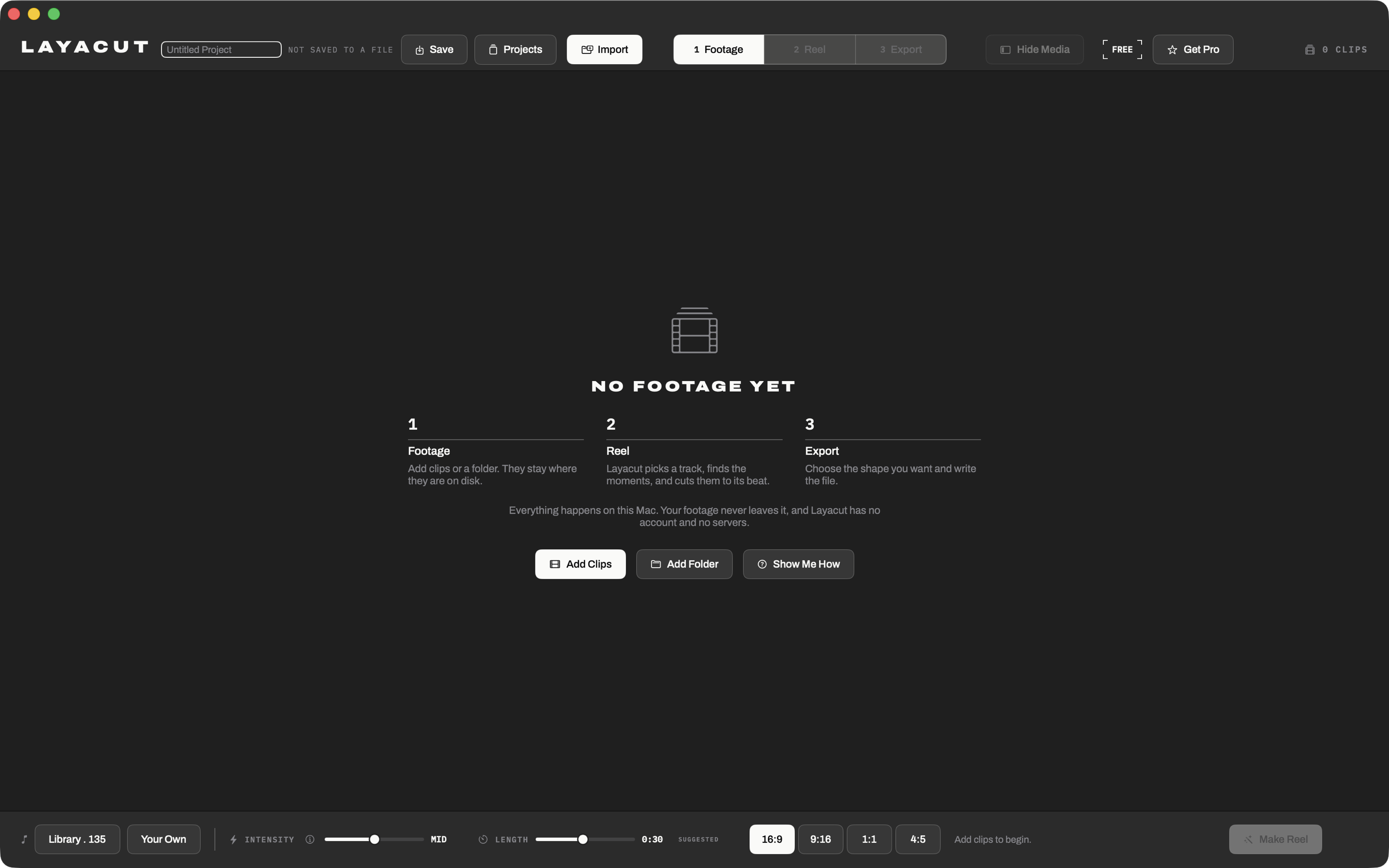
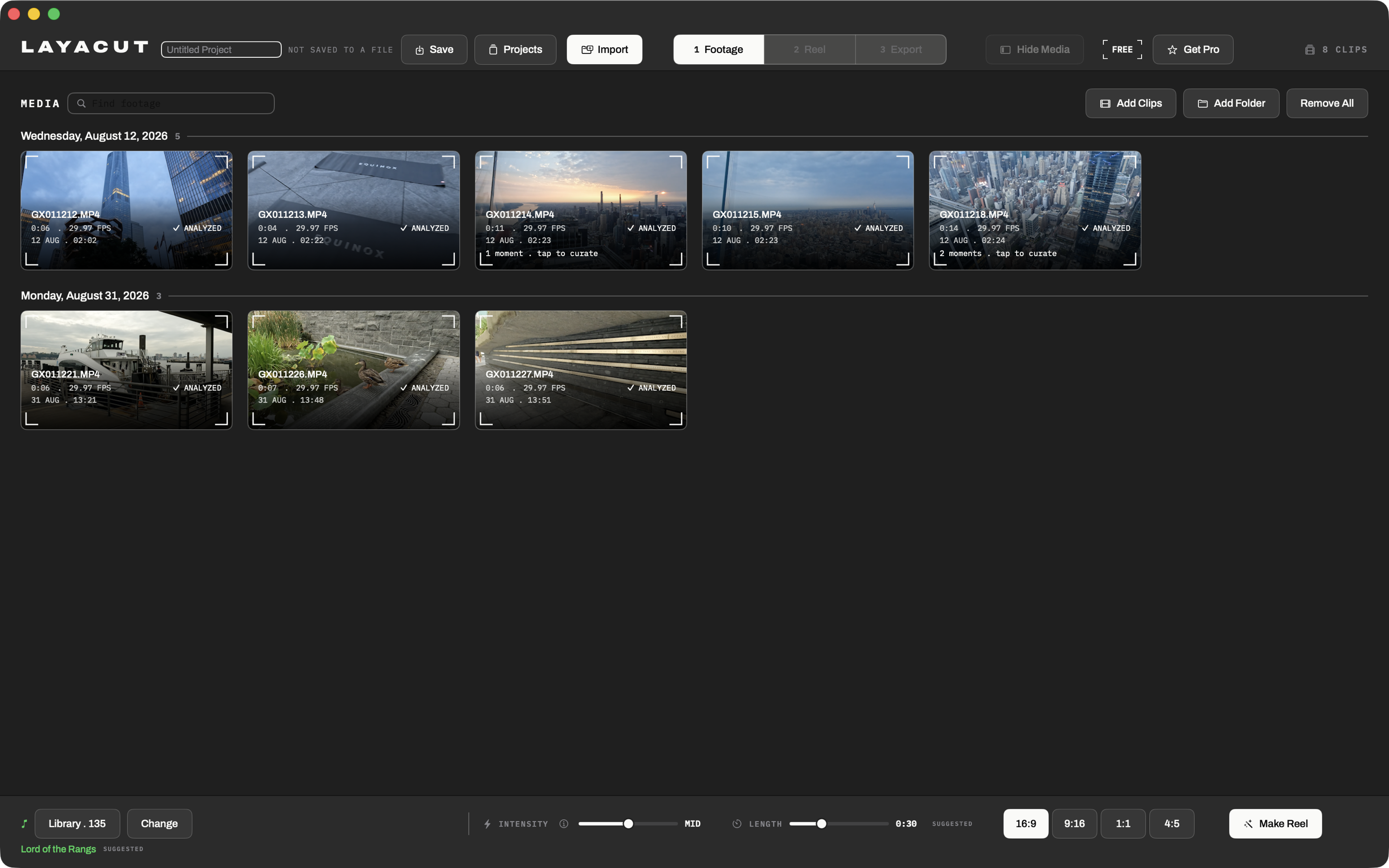
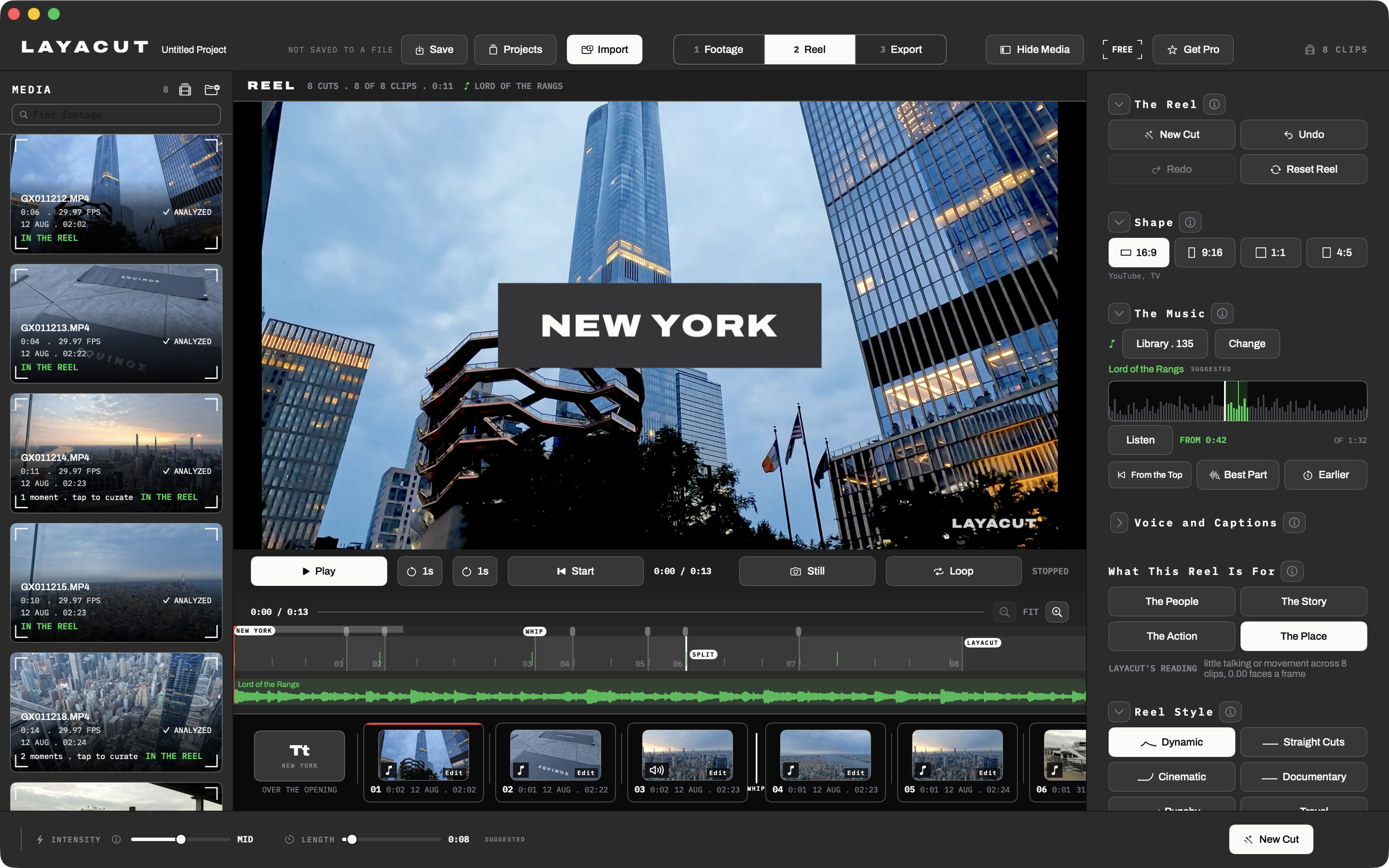
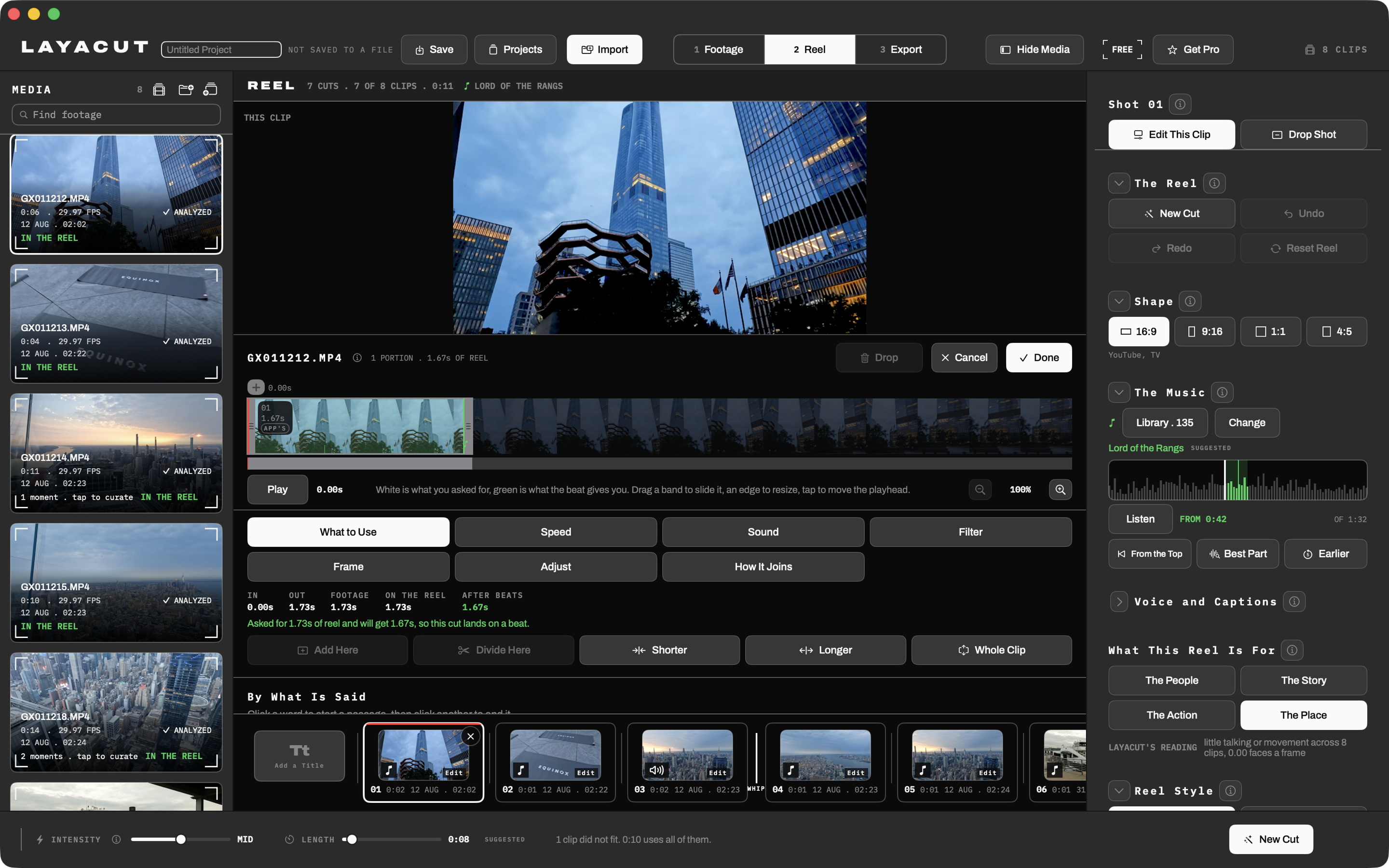
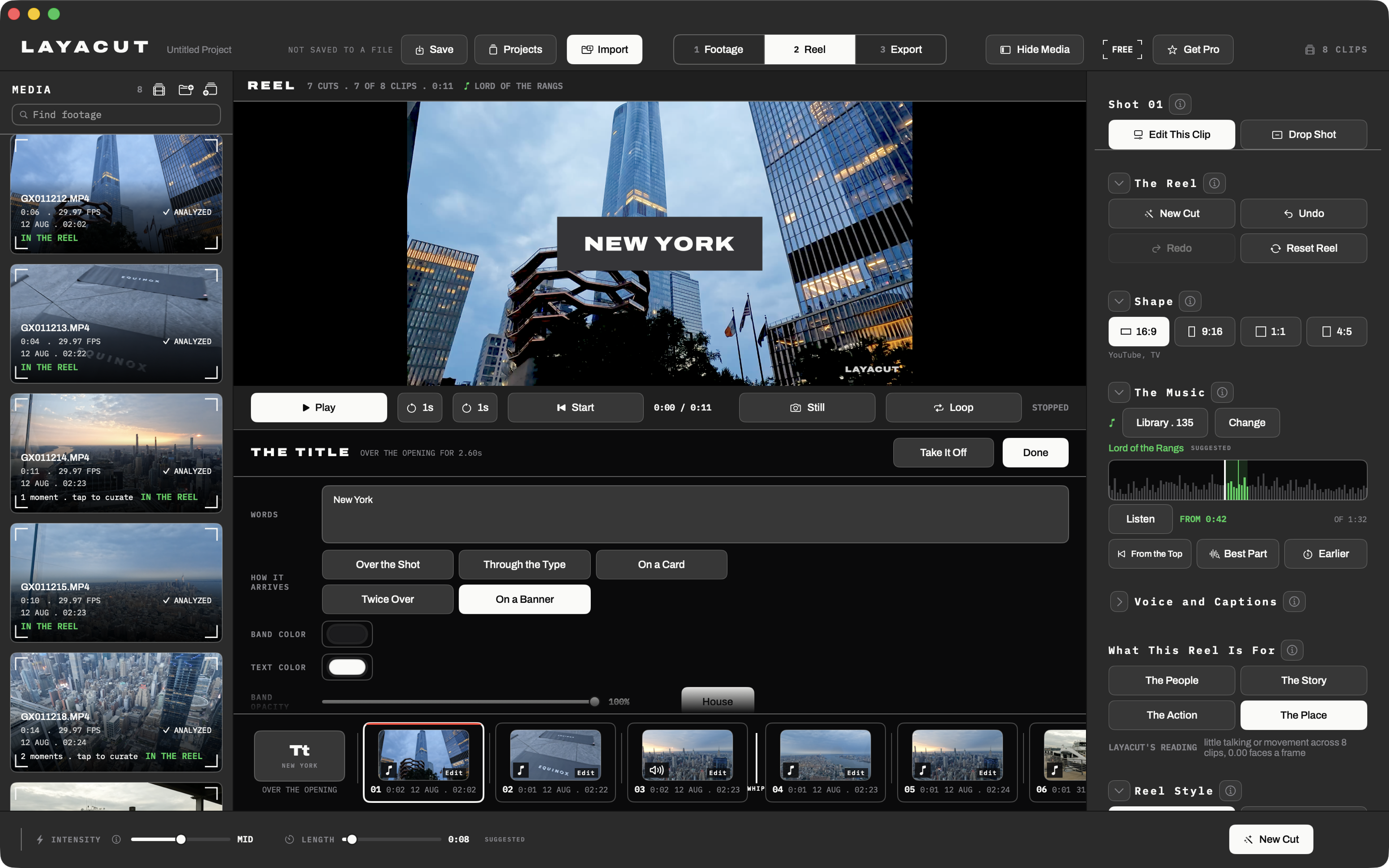
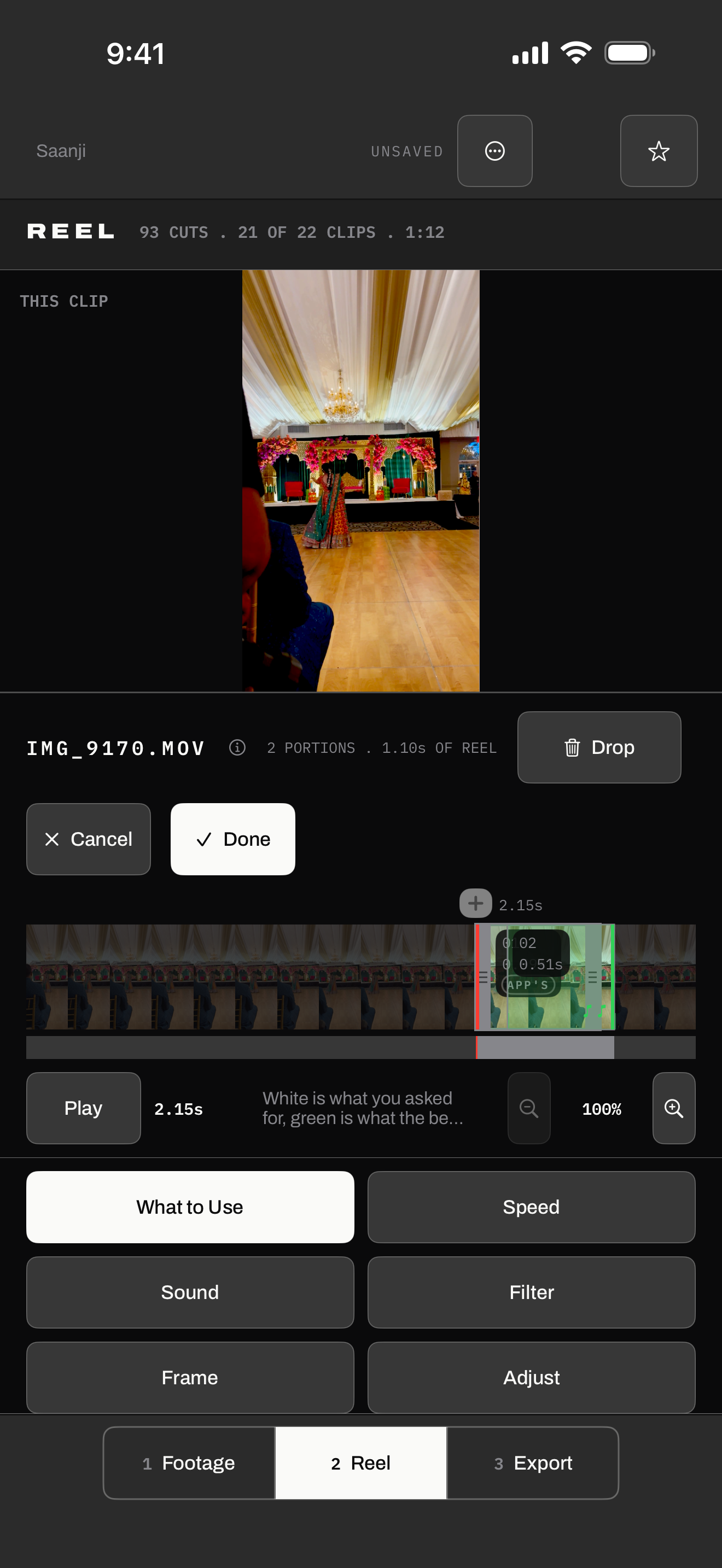
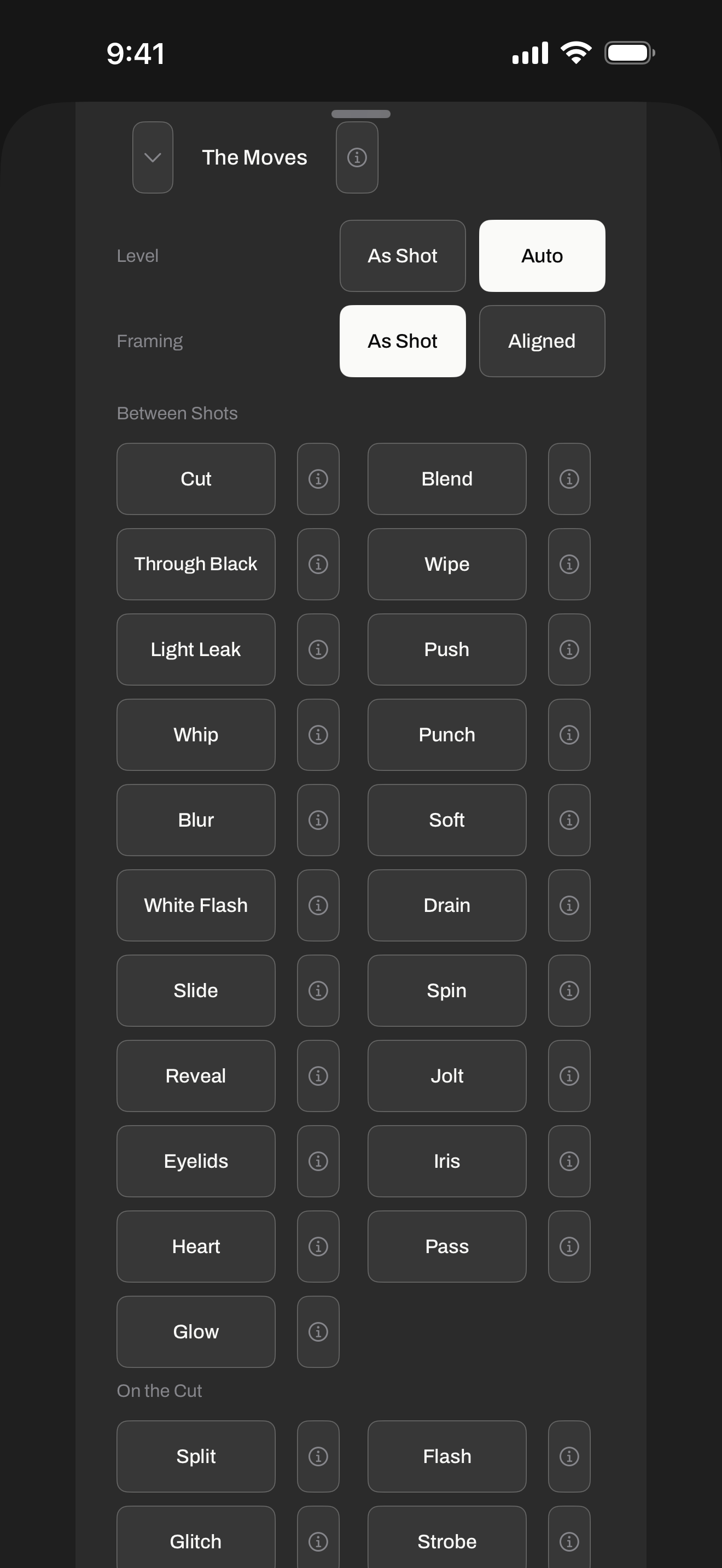
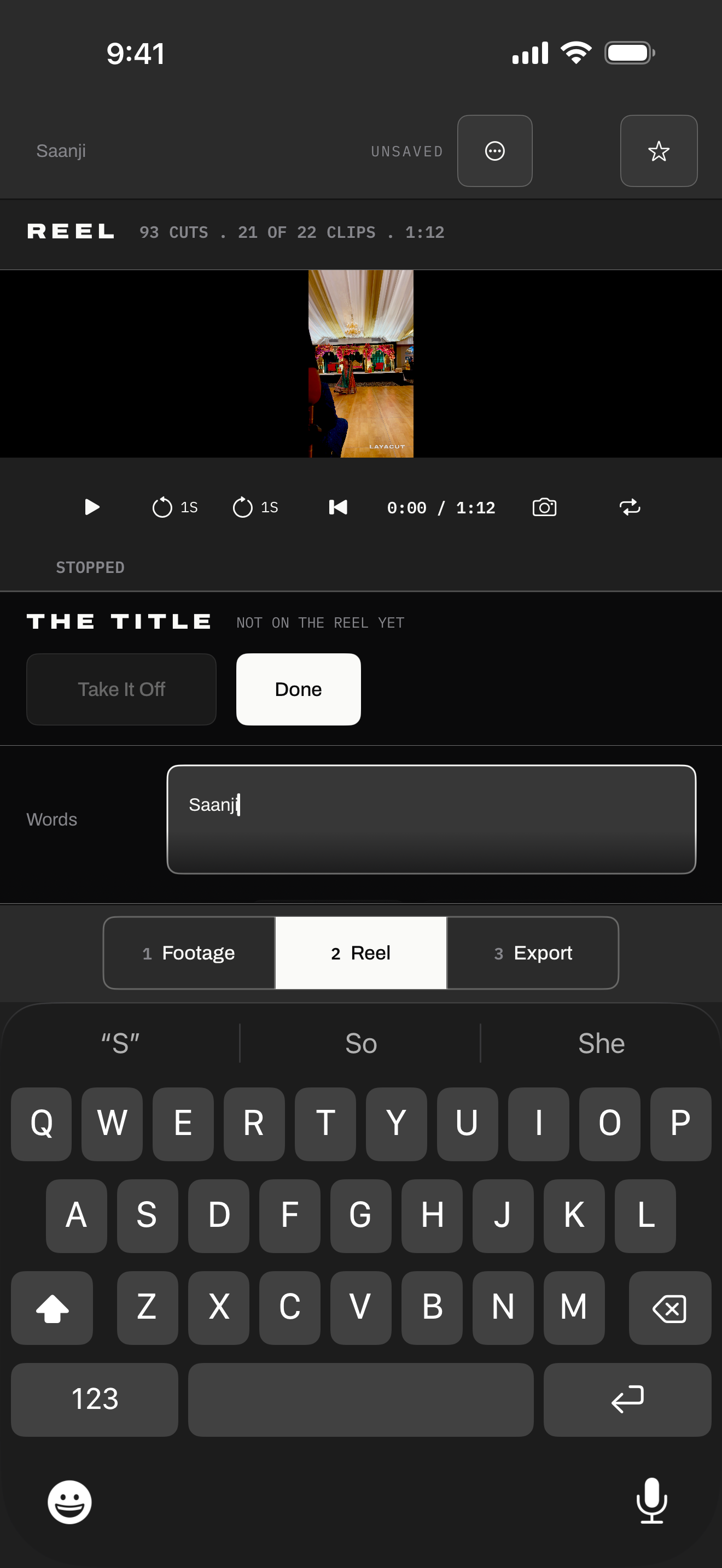
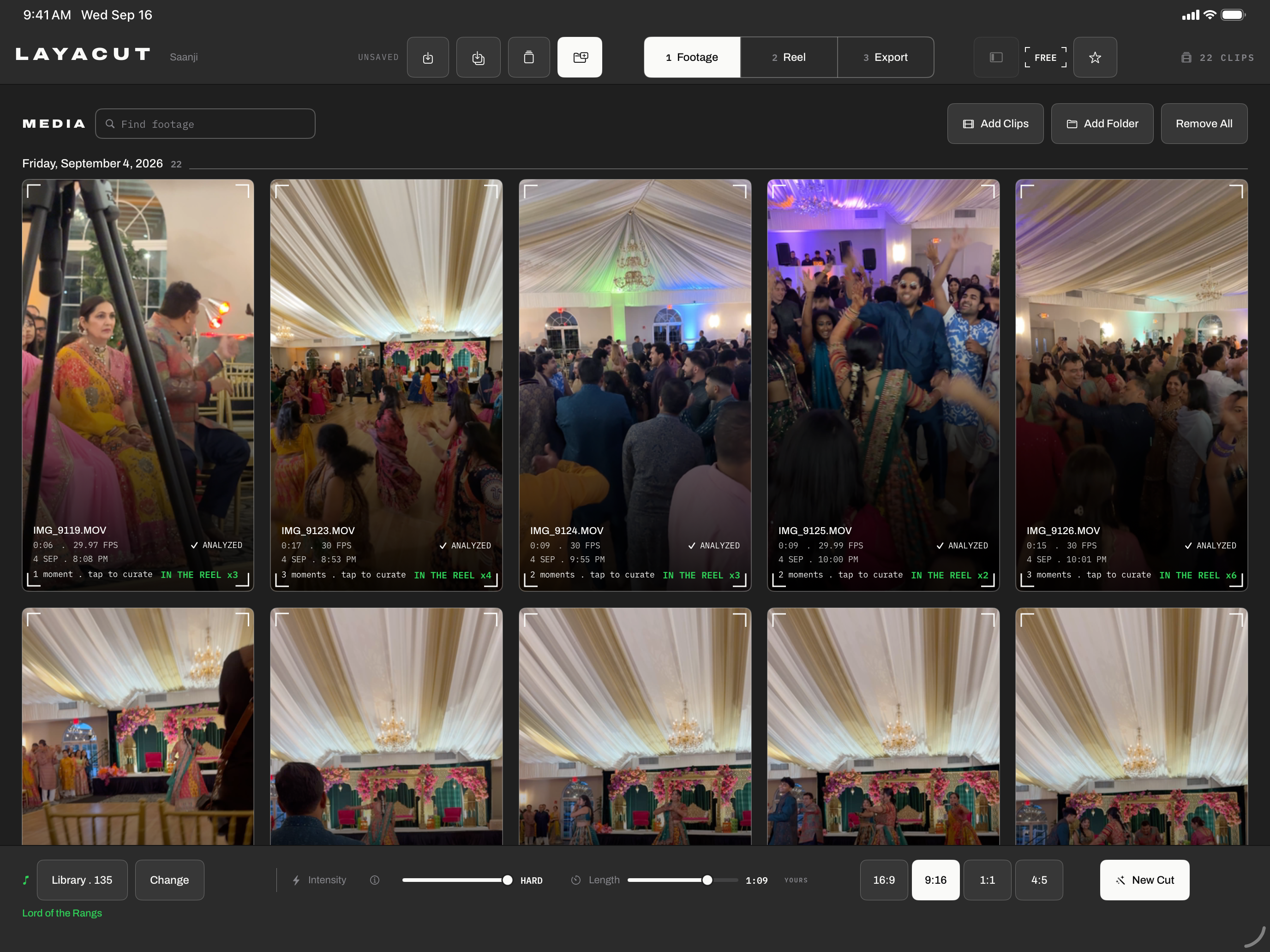
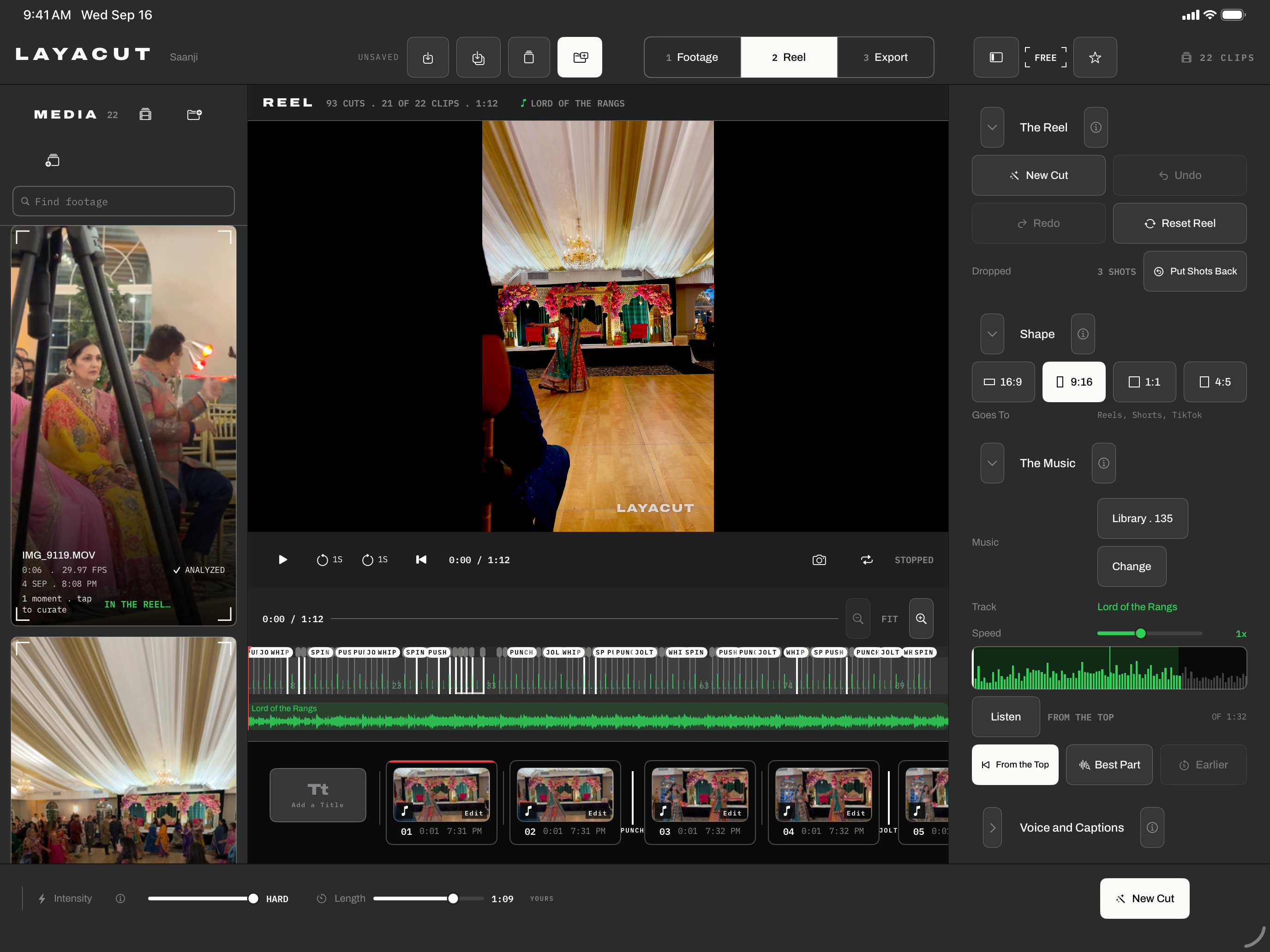
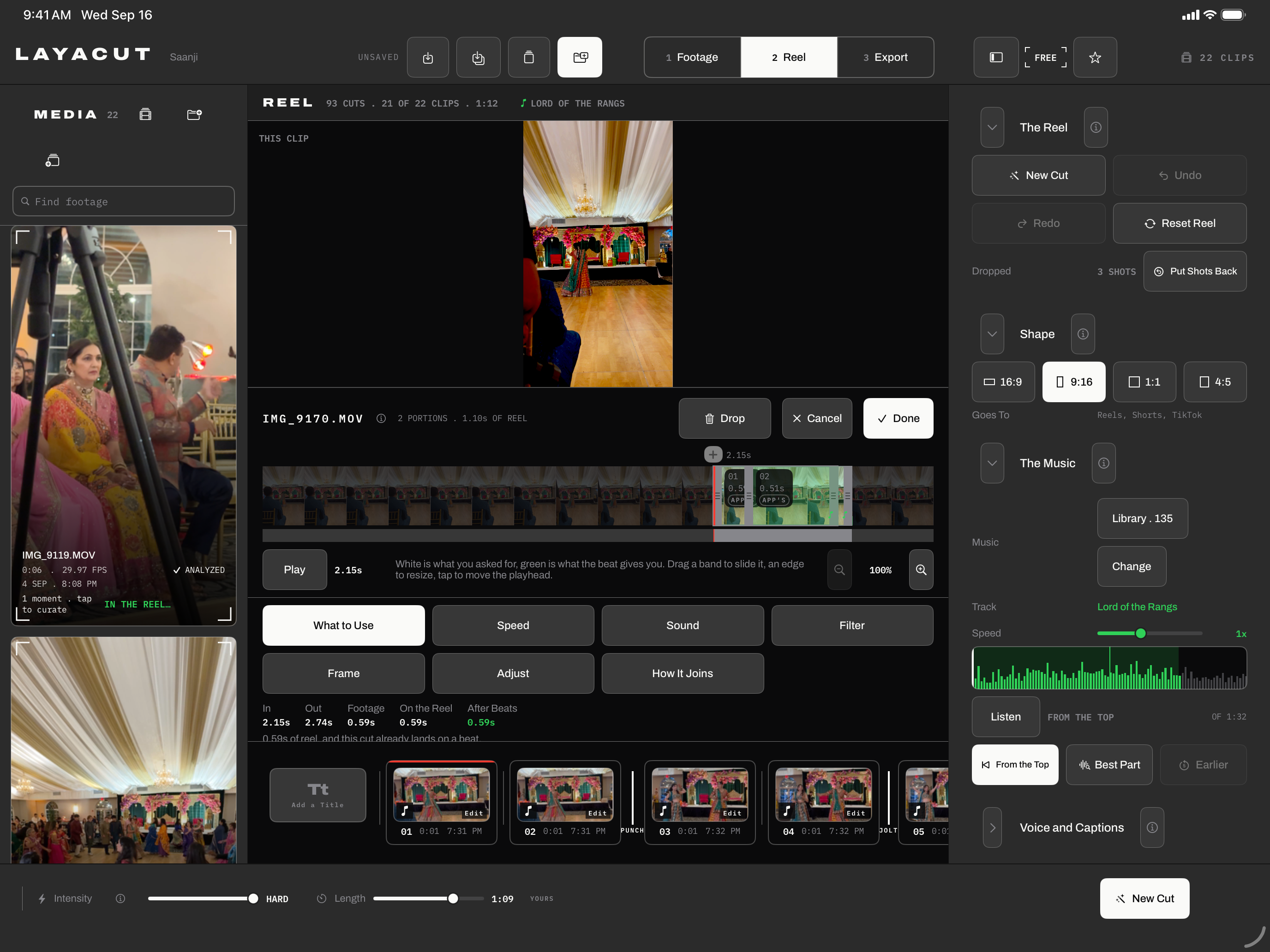
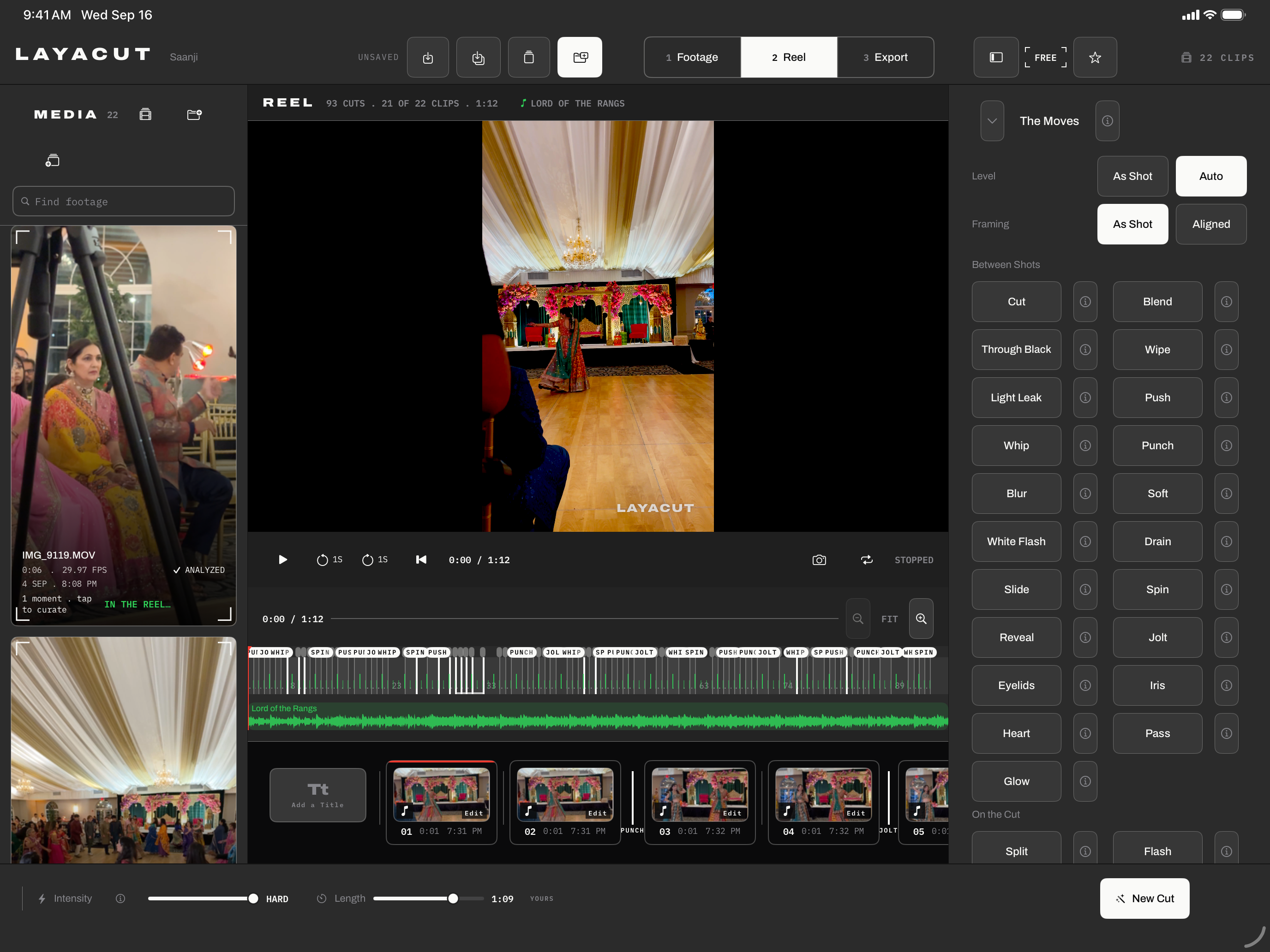
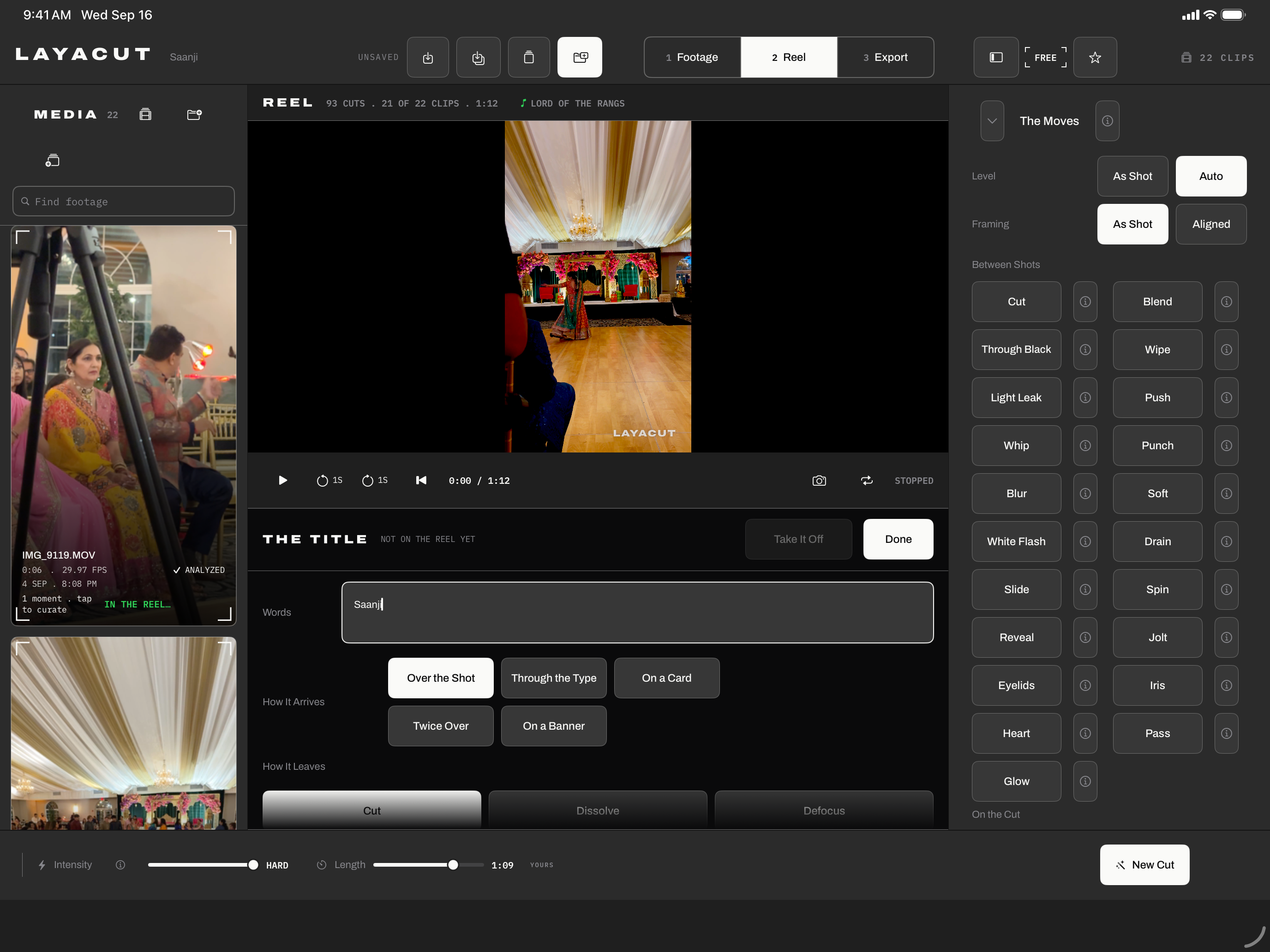
Five captures of the Mac app, 2880 by 1800 each, real footage and a real reel, nothing staged beyond what the app itself shows. Below them, the same five screens on an iPhone and on an iPad, 1320 by 2868 and 2752 by 2064: the same app, the same reel, its clips found in the device's own Photos library by their bytes.
On an iPhone
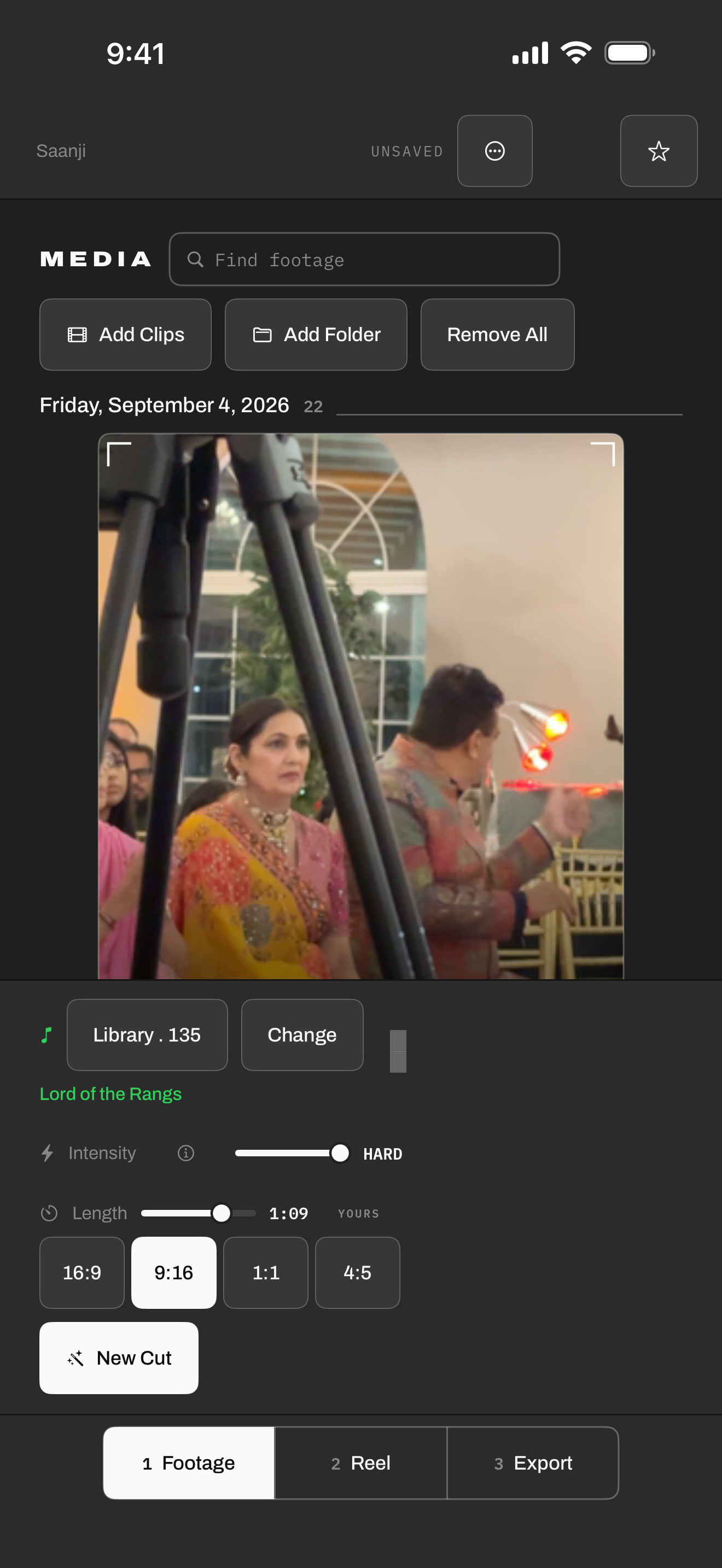
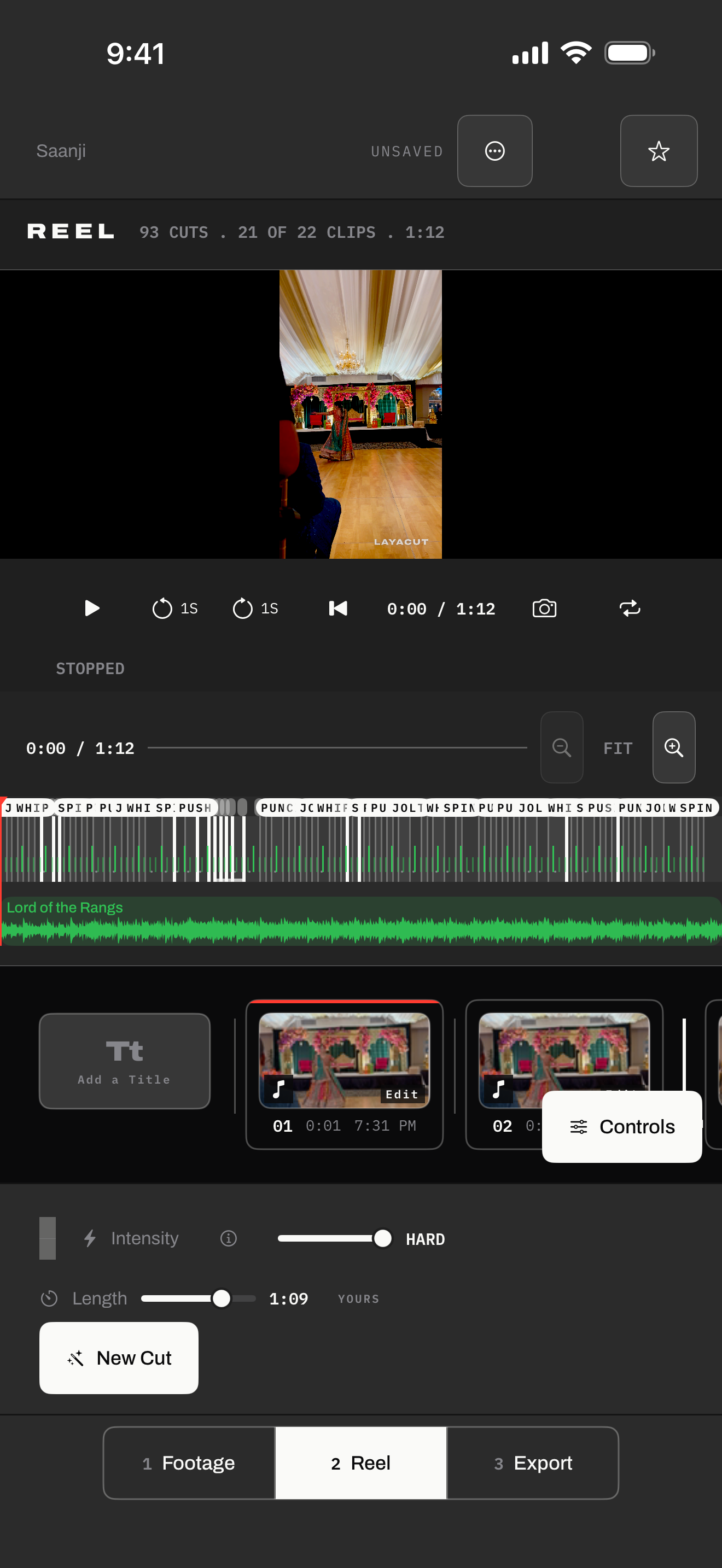
On an iPad
Facts
- Platform
- Layacut, for macOS 26 on Apple Silicon. One universal iPhone and iPad app for iOS 26 and iPadOS 26 is built and in testing, not yet released.
- Price
- Free, with 720p export and the Layacut mark on the reel. Layacut Pro is an annual subscription that adds 1080p, 4K and 8K export, turns the mark off, and lets you end on a closing card of your own.
- Data
- No accounts, no analytics. Nothing leaves the device.
- History
- First released on the Mac App Store in 2026.
Contact
For interviews, a review copy, or anything else: hello@vasly.app, straight to the founder.